

A place for your thoughts
A quiet, local Markdown editor.
From a one-line note to equations, diagrams and the finished
piece.
- Platform
- Windows x64 · Linux
- Files
- Local .md files, kept as written
- Account
- No sign-up, no cloud
- Interface
- English / 简体中文 · Light / Dark
- License
- Open source, AGPL-3.0
 A quieter place.md — Inkstone
 1
2
3
4
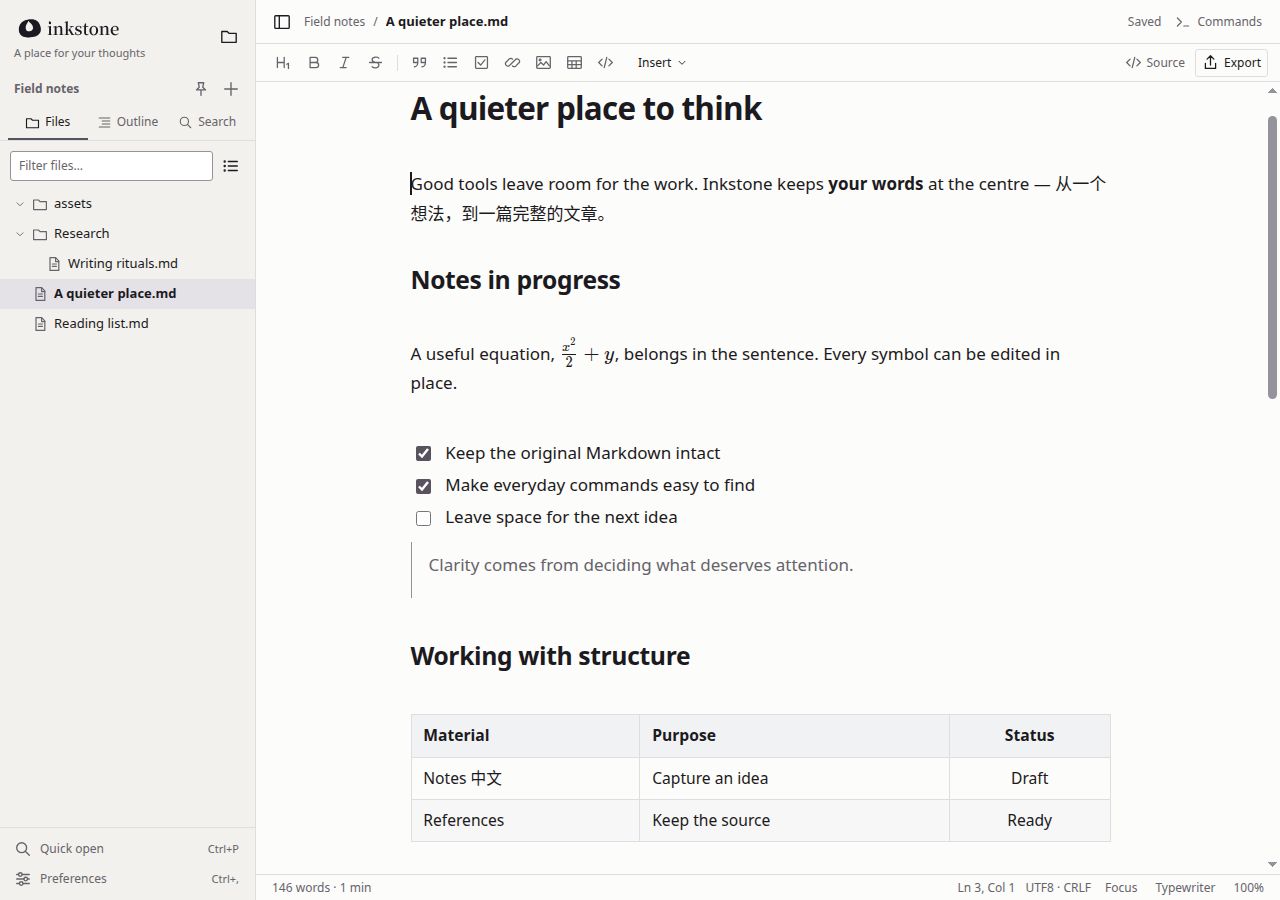
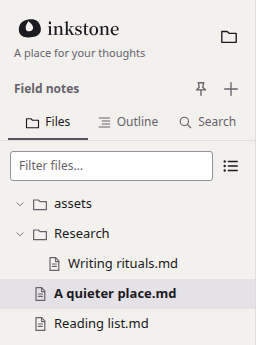
1File sidebar
Files, outline and search, working directly on the folders on your computer.
2Typography
A comfortable measure and line height; mixed English and Chinese stay clear.
3Inline math
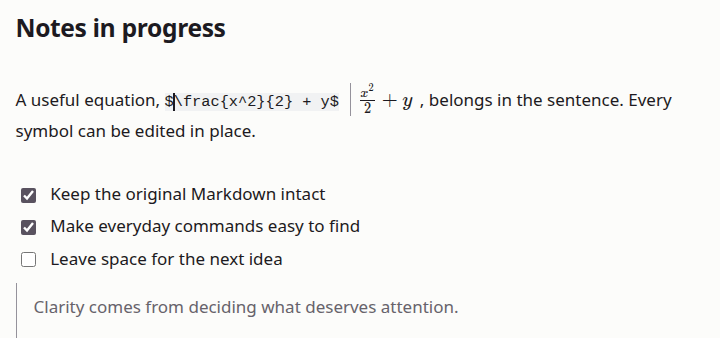
Equations sit inside the sentence. Click one to edit it in place.
4Tables
Edit tables right on the page, without a trip back to source.
Features
01 — 03Writing,
naturally.
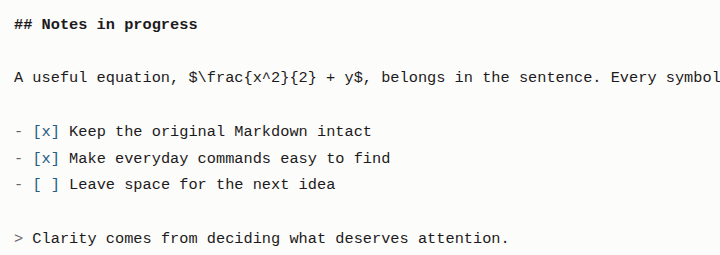
Write Markdown directly on the page and watch headings, lists and equations take shape as you type. Click a rendered equation to edit its source in place. When you want every character in view, switch to source mode; your selection and undo history come with you.
- Shortcut
- Ctrl + / Live preview ⇄ Source
- Original
- Kept as written, no silent reformatting
Thinking,
with structure.
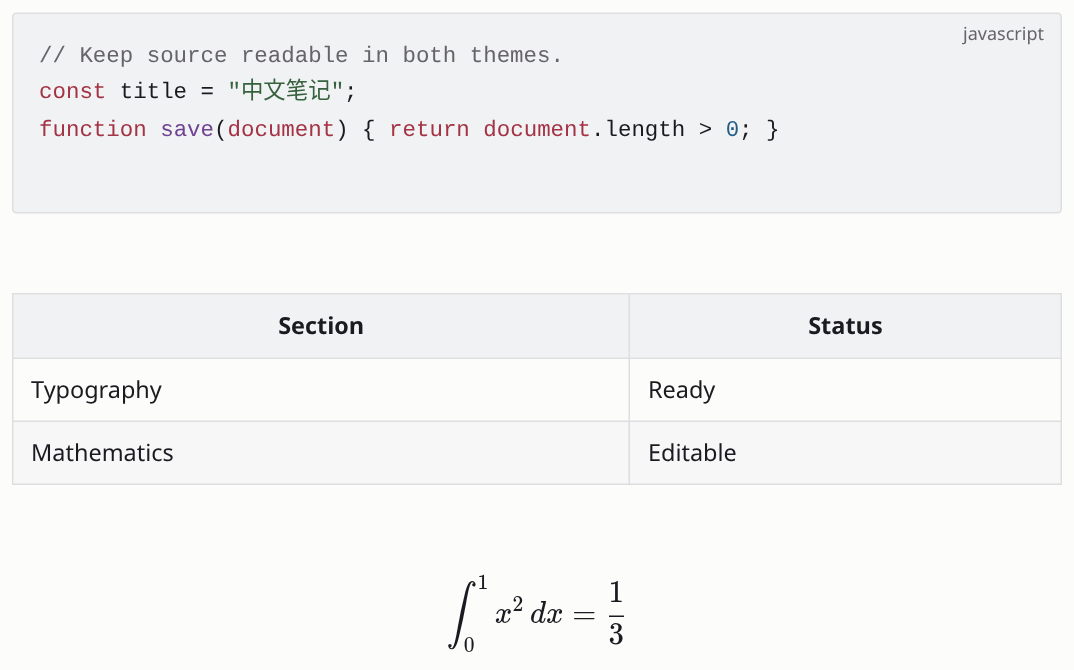
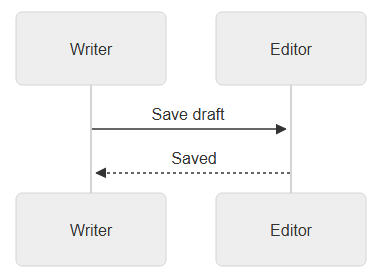
Inline math and LaTeX blocks, tables you edit in place, syntax-highlighted code and Mermaid diagrams all live in the same Markdown file, and all render clearly on the page.
- Math
- Inline $…$ and display $$…$$
- Code
- Syntax highlighting, language picker
- Diagrams
- Mermaid flowcharts, sequences and more
Your files,
close at hand.
Open any folder on your computer; your documents are ordinary .md files. No account, nothing uploaded, and writing keeps working offline. When you are done, export to HTML, PDF or PNG.
- Files
- Folders · search · autosave · recovery
- Offline
- Core writing needs no connection
- More formats
- Optional Pandoc for Word and more

Your next piece starts here.
Open source, local and quiet. Get the Windows installer, or build for Linux from source.